mirror of
https://github.com/funkypenguin/geek-cookbook/
synced 2025-12-17 19:51:43 +00:00

2.2 KiB
2.2 KiB
hero: Ghost - A recipe for beautiful online publication.
Ghost
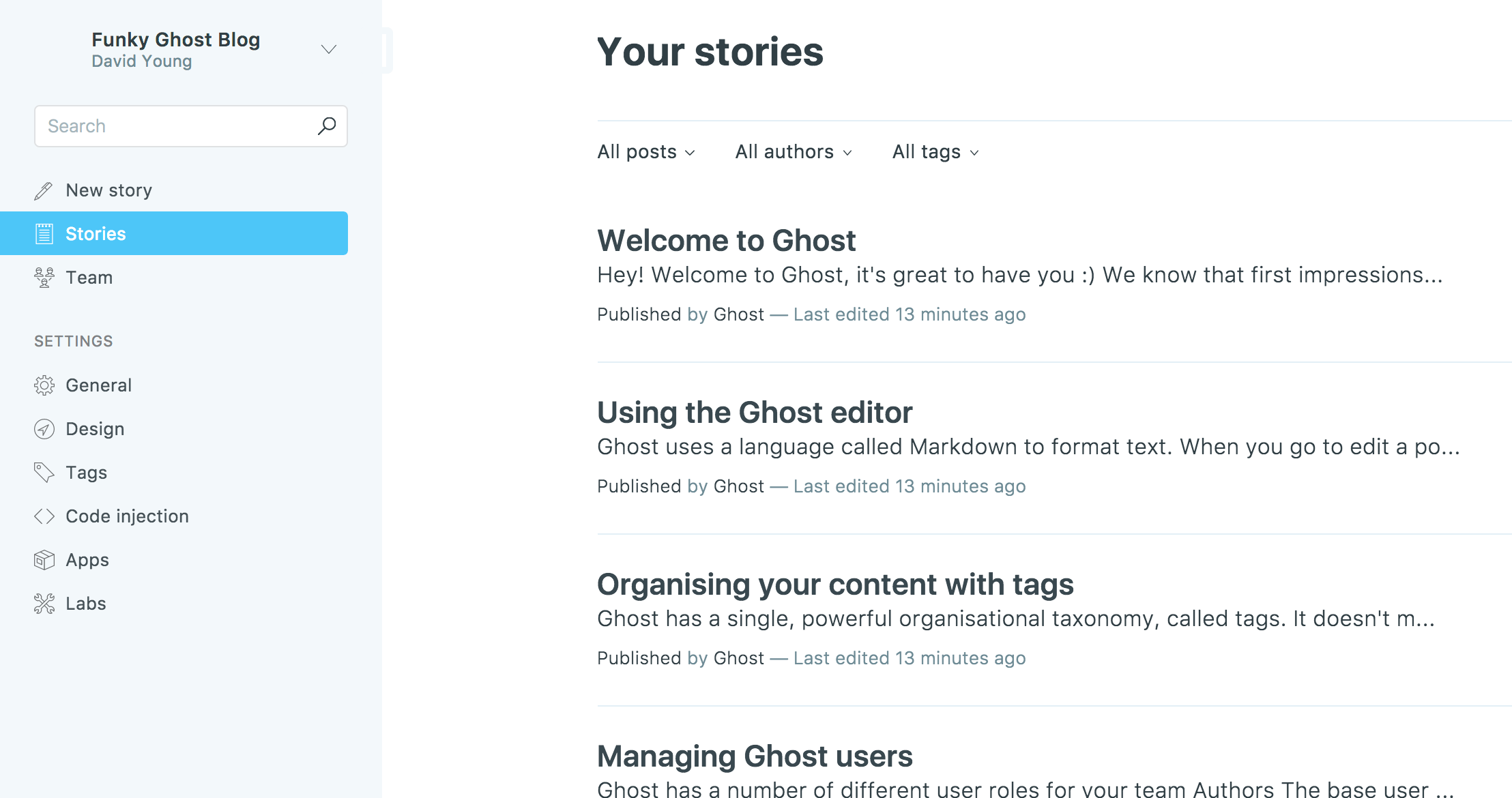
Ghost is "a fully open source, hackable platform for building and running a modern online publication."
Ingredients
Existing:

1. [X] [Docker swarm cluster](https://geek-cookbook.funkypenguin.co.nz/ha-docker-swarm/design/) with [persistent shared storage](https://geek-cookbook.funkypenguin.co.nz/ha-docker-swarm/shared-storage-ceph.md)
2. [X] [Traefik](https://geek-cookbook.funkypenguin.co.nz/ha-docker-swarm/traefik_public) configured per design
3. [X] DNS entry for the hostname you intend to use, pointed to your [keepalived](ha-docker-swarm/keepalived/) IP
Preparation
Setup data locations
Create the location for the bind-mount of the application data, so that it's persistent:
mkdir -p /var/data/ghost
Setup Docker Swarm
Create a docker swarm config file in docker-compose syntax (v3), something like this:
I share (_with my [patreon patrons](https://www.patreon.com/funkypenguin)_) a private "_premix_" git repository, which includes necessary docker-compose and env files for all published recipes. This means that patrons can launch any recipe with just a ```git pull``` and a ```docker stack deploy```
version: '3'

services:
  ghost:
    image: ghost:1-alpine
    volumes:
     - /etc/localtime:/etc/localtime:ro
     - /var/data/ghost/:/var/lib/ghost/content
    networks:
    - traefik_public
    deploy:
      labels:
        - traefik.frontend.rule=Host:ghost.example.com
        - traefik.docker.network=traefik
        - traefik.port=2368

networks:
  traefik_public:
    external: true
Serving
Launch Ghost stack
Launch the Ghost stack by running docker stack deploy ghost -c <path -to-docker-compose.yml>
Create your first administrative account at https://YOUR-FQDN/admin/
Chef's Notes
- If I wasn't committed to a static-site-generated blog, Ghost is the platform I'd use for my blog.
- A default using the SQlite database takes 548k of space:
[root@ds1 ghost]# du -sh /var/data/ghost/
548K	/var/data/ghost/
[root@ds1 ghost]#