 vorotamoroz
ede126d7d4
vorotamoroz
ede126d7d4
- New Features:
    - Case-insensitive file handling
      - Files can now be handled case-insensitively.
      - This behaviour can be modified in the settings under `Handle files as Case-Sensitive` (Default: Prompt, Enabled for previous behaviour).
    - Improved chunk revision fixing
        - Revisions for chunks can now be fixed for faster chunk creation.
        - This can be adjusted in the settings under `Compute revisions for chunks` (Default: Prompt, Enabled for previous behaviour).
    - Bulk chunk transfer
      - Chunks can now be transferred in bulk during uploads.
      - This feature is enabled by default through `Send chunks in bulk`.
    - Creation of missing chunks without
      - Missing chunks can be created without storing notes, enhancing efficiency for first synchronisation or after prolonged periods without synchronisation.
  - Improvements:
    - File status scanning on the startup
      - Quite significant performance improvements.
      - No more missing scans of some files.
    - Status in editor enhancements
      - Significant performance improvements in the status display within the editor.
      - Notifications for files that will not be synchronised will now be properly communicated.
    - Encryption and Decryption
      - These processes are now performed in background threads to ensure fast and stable transfers.
    - Verify and repair all files
      - Got faster through parallel checking.
    - Migration on update
      - Migration messages and wizards have become more helpful.
  - Behavioural changes:
    - Chunk size adjustments
      - Large chunks will no longer be created for older, stable files, addressing storage consumption issues.
    - Flag file automation
      - Confirmation will be shown and we can cancel it.
  - Fixed:
    - Database File Scanning
      - All files in the database will now be enumerated correctly.
  - Miscellaneous
    - Dependency updated.
    - Now, tree shaking is left to terser, from esbuild.
Self-hosted LiveSync
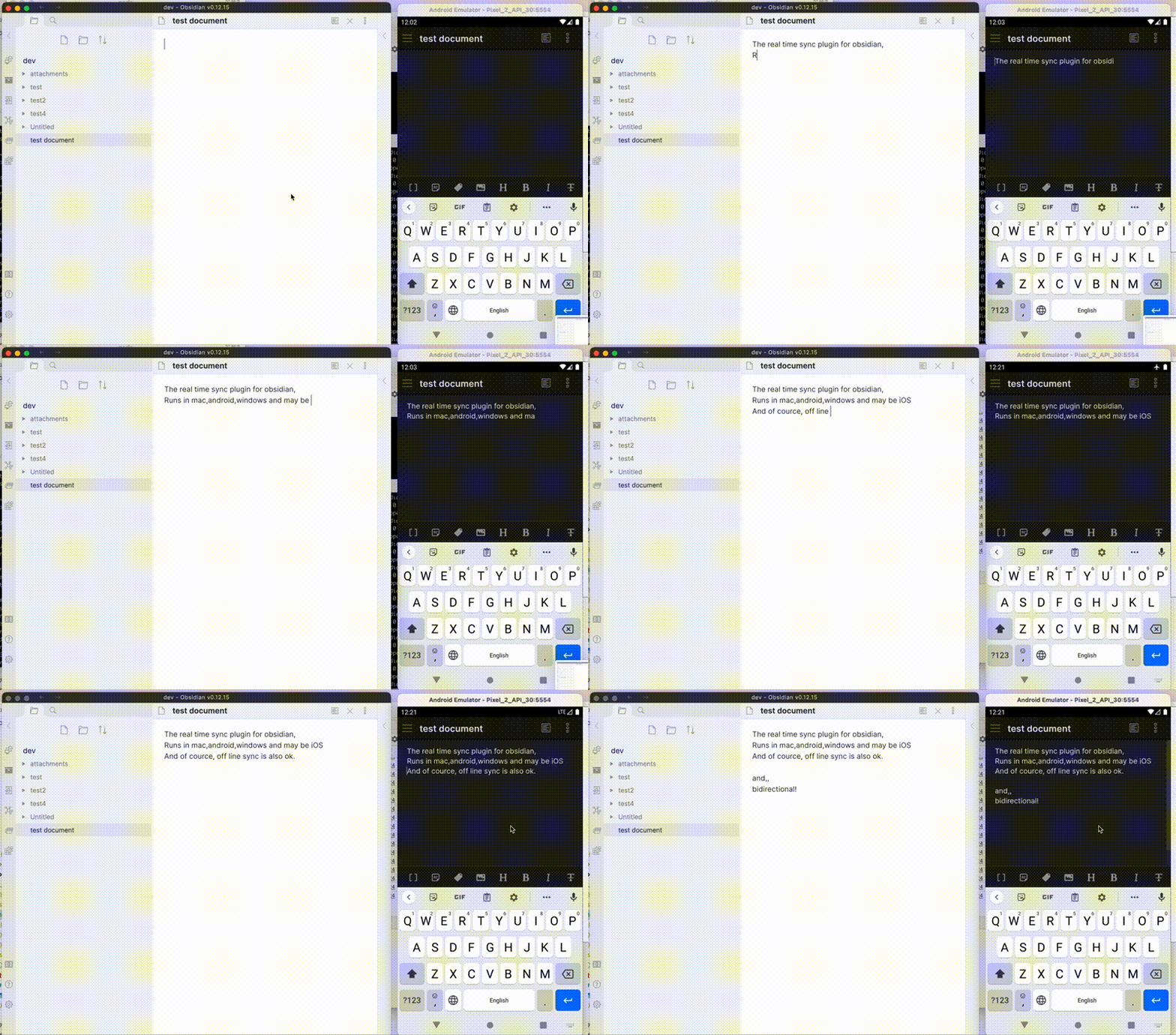
Self-hosted LiveSync is a community-implemented synchronization plugin, available on every obsidian-compatible platform and using CouchDB or Object Storage (e.g., MinIO, S3, R2, etc.) as the server.
Note: This plugin cannot synchronise with the official "Obsidian Sync".
Features
- Synchronize vaults very efficiently with less traffic.
- Good at conflicted modification.
- Automatic merging for simple conflicts.
- Using OSS solution for the server.
- Compatible solutions can be used.
- Supporting End-to-end encryption.
- Synchronisation of settings, snippets, themes, and plug-ins, via Customization sync(Beta) or Hidden File Sync
- WebClip from obsidian-livesync-webclip
This plug-in might be useful for researchers, engineers, and developers with a need to keep their notes fully self-hosted for security reasons. Or just anyone who would like the peace of mind of knowing that their notes are fully private.
Important
- Before installing or upgrading this plug-in, please back your vault up.
- Do not enable this plugin with another synchronization solution at the same time (including iCloud and Obsidian Sync).
- This is a synchronization plugin. Not a backup solution. Do not rely on this for backup.
How to use
3-minute setup - CouchDB on fly.io
Recommended for beginners
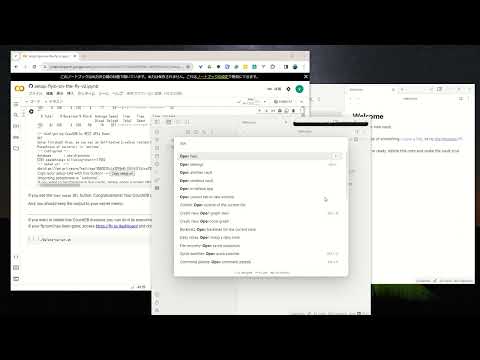
- Setup CouchDB on fly.io
- Configure plug-in in Quick Setup
Manually Setup
- Setup the server
- Configure plug-in in Quick Setup
Tip
Now, fly.io has become not free. Fortunately, even though there are some issues, we are still able to use IBM Cloudant. Here is Setup IBM Cloudant. It will be updated soon!
Information in StatusBar
Synchronization status is shown in the status bar with the following icons.
- Activity Indicator
- 📲 Network request
- Status
- ⏹️ Stopped
- 💤 LiveSync enabled. Waiting for changes
- ⚡️ Synchronization in progress
- ⚠ An error occurred
- Statistical indicator
- ↑ Uploaded chunks and metadata
- ↓ Downloaded chunks and metadata
- Progress indicator
- 📥 Unprocessed transferred items
- 📄 Working database operation
- 💾 Working write storage processes
- ⏳ Working read storage processes
- 🛫 Pending read storage processes
- 📬 Batched read storage processes
- ⚙️ Working or pending storage processes of hidden files
- 🧩 Waiting chunks
- 🔌 Working Customisation items (Configuration, snippets, and plug-ins)
To prevent file and database corruption, please wait to stop Obsidian until all progress indicators have disappeared as possible (The plugin will also try to resume, though). Especially in case of if you have deleted or renamed files.
Tips and Troubleshooting
If you are having problems getting the plugin working see: Tips and Troubleshooting
License
Licensed under the MIT License.